How to Prevent Electrical Hazards While Working from Home
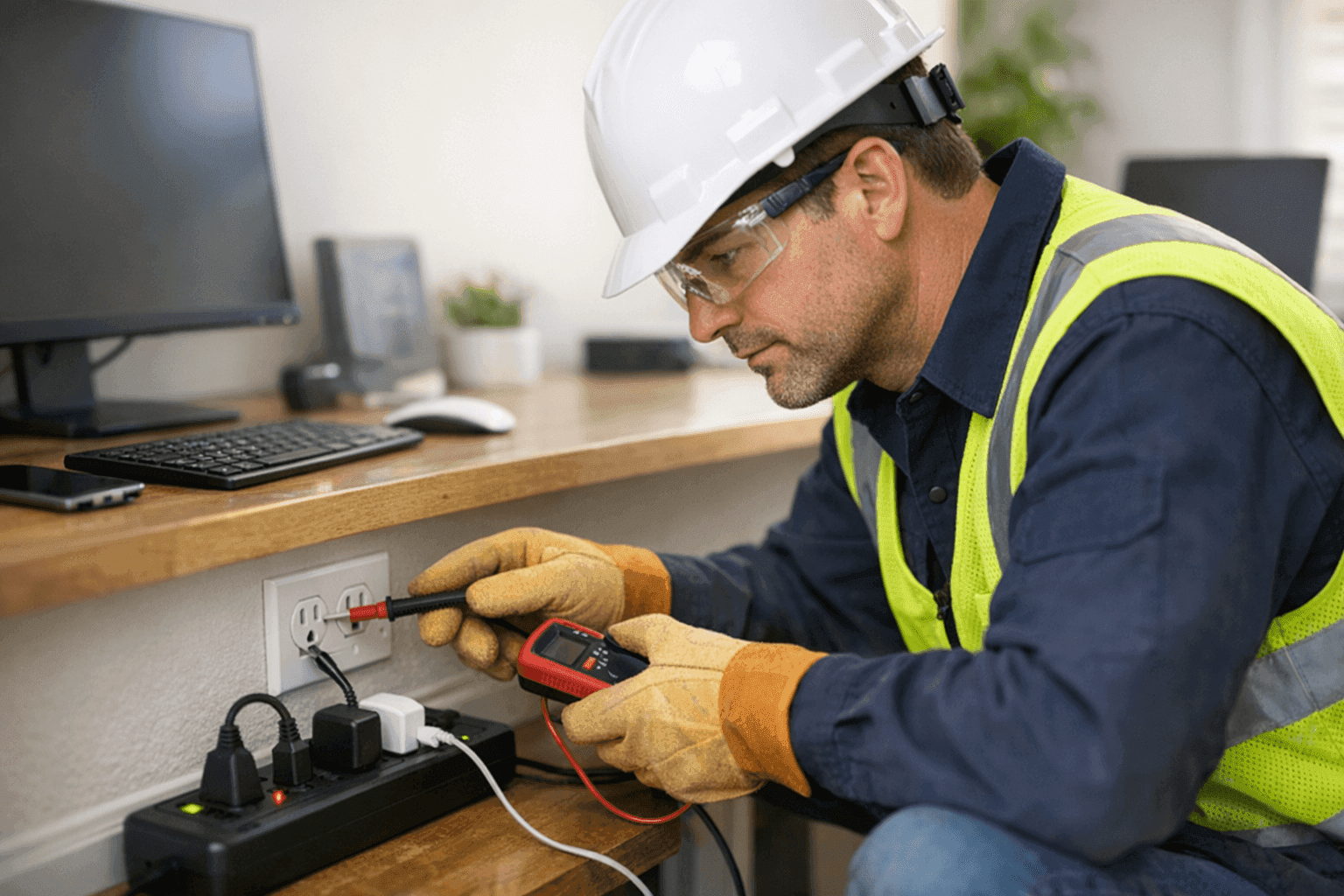
Working from home is now a part of everyday life for many people. But those same laptops, chargers, and coffee makers that help us get through the day can create hidden risks. The truth is, most homes weren’t built for today’s digital workloads. At LintPro Electric, we see how easy it is for small electrical issues to turn into big problems—especially in busy home offices.
Electrical hazards aren’t just about flickering lights or tripping breakers. They can mean fire, lost work, or even injury. Let’s break down the most common risks and share real-world ways to make your workspace safer—so you can focus on your job, not on what’s buzzing behind the walls.
Common Electrical Hazards in Home Offices
Most home offices are created on the fly. Extra power strips, extension cords, and a tangle of chargers under the desk. It all works—until it doesn’t.
Here are the three biggest culprits:
- Overloaded Outlets: Plugging too many things into a single outlet is like stacking books on a weak shelf. Eventually, it gives.
- Outdated or Damaged Wiring: Old wiring can’t keep up with modern devices. Worn insulation, loose connections, or aluminum wires (common in homes built before the 1970s) spell trouble.
- No Surge Protection: Power surges aren’t just from storms. Appliances cycling on and off send jolts through your system. Without protection, your expensive electronics are at risk.
According to the National Fire Protection Association (NFPA), electrical failures or malfunctions are a leading cause of home fires. A little prevention goes a long way.
Quick Safety Checklist: Is Your Home Office at Risk? ⚡
- Are outlets hot to the touch?
- Do you use extension cords permanently?
- Do circuit breakers trip often?
- Any buzzing sounds or burning smells?
- Electronics randomly shutting down?
If you answered yes to any of these, your setup needs attention.
Setting Up a Safe Home Office: Simple Steps
A safe workspace starts with a solid foundation. Here’s what every home office should have:
- Dedicated Outlets: Avoid daisy-chaining power strips. Have enough outlets installed for your needs.
- GFCI Protection: Ground Fault Circuit Interrupters shut off power in milliseconds if there’s a problem—especially important near sinks or in basements.
- Tidy Cords: Keep cords away from heat sources and never run them under rugs (that’s like hiding a spark in dry grass).
- Label Everything: Know which breaker controls your office. It saves time in emergencies.
For more on dedicated circuit solutions and outlet upgrades, see our Outlets & Switches service.
Don’t Overload: The Dangers of Plugging in “Just One More”
Every outlet has a limit. When you exceed it, wires heat up—sometimes enough to start a fire. High-wattage items like space heaters, printers, or even multiple monitors can push circuits over the edge.
Rule of thumb: If you’re relying on more than one power strip per workspace, it’s time for an upgrade.
Upgrading for Safety and Productivity
Think of electrical upgrades as an investment in peace of mind. Here’s what makes a difference:
- Add More Outlets: Modern electrical systems can handle more devices safely. An electrician can add outlets exactly where you need them.
- Install Surge Protection: Whole-home and plug-in surge protectors safeguard your electronics from sudden spikes. Our Surge Protection service covers both options.
- Replace Old Wiring: If your home is older, rewiring may be needed. This reduces fire risk and keeps things running smoothly.
Reliable Power for Sensitive Electronics
Your computer, Wi-Fi router, and phone charger need clean, steady power. Fluctuations can fry circuits or cause data loss.
- Uninterruptible Power Supply (UPS): Acts as a buffer during outages, giving you time to save work and power down.
- Dedicated Circuits: Prevents interference from larger appliances.
- Routine Checks: Have an electrician inspect wiring and panels annually.
Fire Prevention: Stop Hazards Before They Start 🔥
Electrical fires can start silently, behind the walls. Prevention is key:
- Smoke & Carbon Monoxide Detectors: Test monthly. Replace batteries twice a year.
- Arc Fault Circuit Interrupters (AFCIs): Detect dangerous arcing (tiny sparks you can’t see).
- Regular Inspections: Schedule professional checks, especially if you’ve added new equipment or remodeled.
Refer to the Electrical Safety Foundation International (ESFI) for more safety guidelines.
Code Compliance: Why It Matters
Electrical codes aren’t just rules—they’re there to keep you safe. The National Electrical Code (NEC) is updated every three years to reflect new technology and hazards.
- Permits: Always get proper permits for electrical work.
- Qualified Electricians: DIY fixes on major wiring can void insurance and put your home at risk.
- Certificates: After any major work, ask for a compliance certificate.
When to Call a Professional
DIY is tempting, but some jobs need a pro. Call an electrician if you:
- Smell burning or see scorch marks
- Hear buzzing from outlets or switches
- Experience frequent outages or shocks
- Need new outlets, circuits, or major upgrades
LintPro Electric can help with all residential services, from troubleshooting to upgrades.
What to Expect When a Pro Arrives
A licensed electrician will:
- Inspect your setup, inside and out
- Test outlets and wiring for wear or overload
- Recommend upgrades or repairs
- Ensure everything meets the latest safety codes
We’ll explain what’s urgent, what can wait, and how to prevent future problems.
Seasonal Electrical Safety Considerations
Cold winters mean space heaters, while summer brings fans and AC units. Both add strain to your electrical system.
- Before each season: Check cords and outlets for damage.
- During storms: Unplug sensitive electronics or use surge protection.
- After renovations: Have circuits checked for overloading.
Frequently Asked Questions
Q: Can I use extension cords for my home office setup?
A: Only as a temporary solution. Permanent use increases fire risk.
Q: How often should I have my electrical system inspected?
A: At least once every 3–5 years, or sooner if you notice warning signs.
Q: What’s the best way to protect my computer from surges?
A: Use both a surge protector and a UPS.
Signs of Electrical Trouble
Don’t ignore these red flags:
- Lights flicker or dim when you plug something in
- Outlets feel warm or emit a burning odor
- Fuses blow or breakers trip repeatedly
- Devices shut off unexpectedly
Early action is the best defense.
Timeline and Disruption: What to Expect
Most electrical upgrades can be completed in a day or two, depending on scope. LintPro Electric works with you to minimize downtime—so your business stays on track.
DIY or Leave It to the Pros?
Changing a light bulb? Go for it. Installing new circuits or rewiring? That’s a job for someone trained. Electrical work is like surgery—you want it done right, the first time.
Materials and Equipment You’ll Need
For basic safety:
- Outlet covers
- Surge protectors
- Cable organizers
- GFCI adapters
Leave wire, breakers, and panels to the professionals.
Maintenance and Ongoing Prevention
- Set a calendar reminder for annual inspections
- Test detectors monthly
- Replace worn cords immediately
- Keep workspace free of clutter
A little routine goes a long way.
Reliable Help Near You
Whether you’re setting up a new home office or need urgent repairs, finding an electrician company you trust makes all the difference.
Call LintPro Electric now — or reach us anytime at 844-484-8656 .